How to solve visual web design CMS and hosting without hand-coding frontends with Webflow
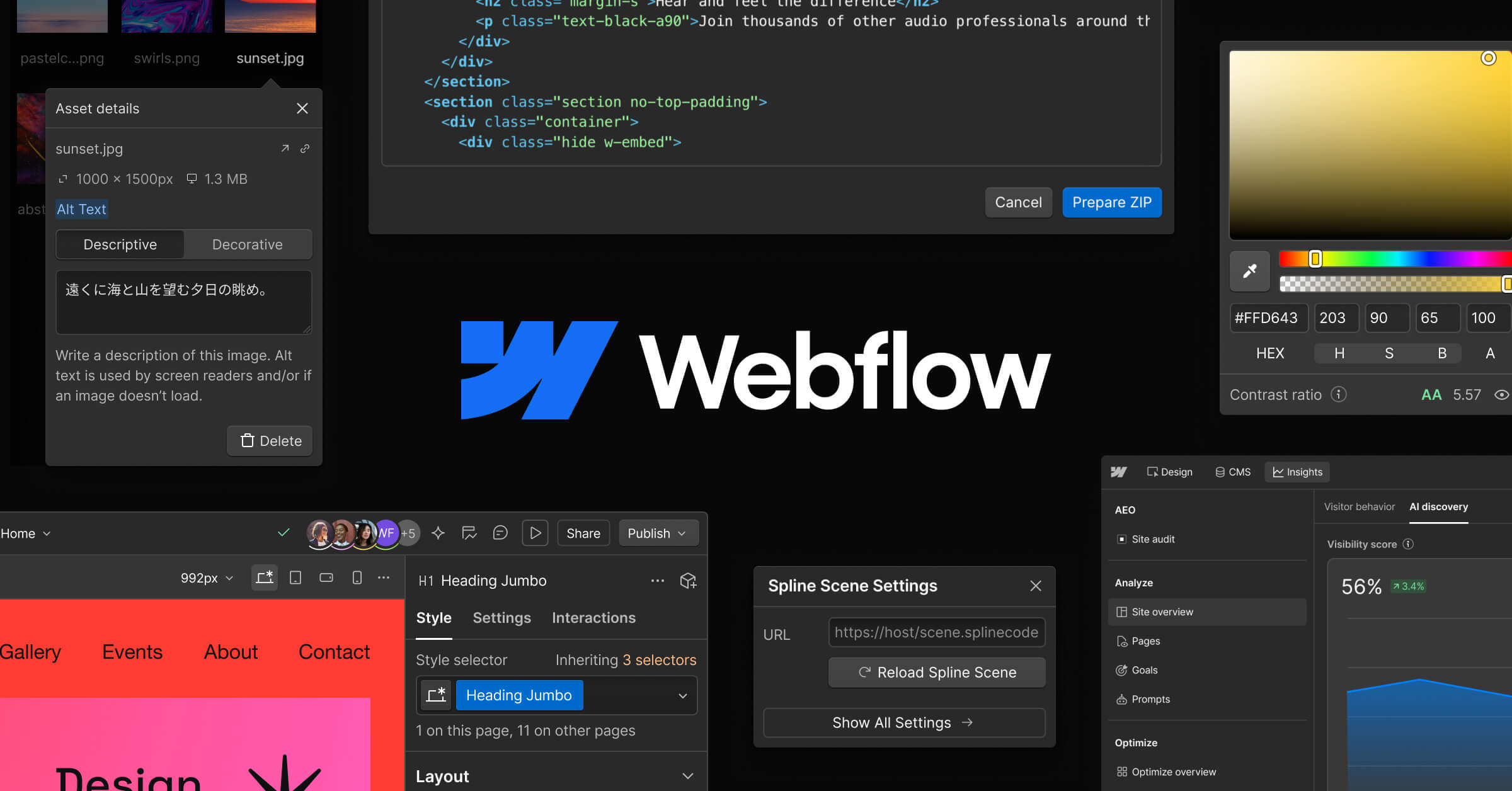
Image source: Webflow official site
Evidence-backed brief for teams comparing solutions for visual web design CMS and hosting without hand-coding frontends. Vendor claims are labeled. X items are summaries with permalinks — not a satisfaction score. No product prices.
Company and product
Webflow, Inc. presents itself on its homepage as "the agentic web platform for modern businesses" (vendor-stated), at webflow.com. The company's platform page frames the product as a single place to "build, manage, and optimize your website," titled "Build, manage, and optimize your website in one platform" (webflow.com/platform).
For content-driven sites, Webflow markets a CMS product page titled "Build scalable websites visually with the Webflow CMS" (webflow.com/feature/cms), which places visual site building and CMS-driven content in the same product. Webflow also lists a separate ecommerce product, described on its page as the "Webflow Ecommerce website builder" (webflow.com/feature/ecommerce), and an AI product page at webflow.com/ai.
Company background is published at webflow.com/company/about, and the company maintains a customer stories library at webflow.com/customers plus a blog covering web design, development, and web strategy at webflow.com/blog.
What buyers usually evaluate
| Capability | Official / evidence-backed description |
|---|---|
| Visual website building | Webflow's platform page is titled "Build, manage, and optimize your website in one platform," and the CMS page is titled "Build scalable websites visually with the Webflow CMS" — both vendor-stated descriptions that place visual construction at the center of the product (webflow.com/platform, webflow.com/feature/cms). |
| Webflow CMS | A content management product positioned by Webflow for building scalable websites visually rather than through hand-coded frontend templates (vendor-stated) (webflow.com/feature/cms). |
| Webflow Ecommerce | Webflow publishes a dedicated ecommerce product page described as the "Webflow Ecommerce website builder," giving store-building its own surface within the platform (webflow.com/feature/ecommerce). |
| Webflow AI | Webflow maintains a product page for AI at webflow.com/ai; specific AI features are not enumerated in the crawled page text available here. |
| Single-platform site management | Webflow frames build, management, and optimization as one platform rather than separate tools, per the platform page title (vendor-stated) (webflow.com/platform). |
| Customer stories and editorial resources | Webflow hosts published customer stories at webflow.com/customers and a blog on web design, development, and web strategy at webflow.com/blog. |
Primary official entry: webflow.com.
Needs it solves
Job-to-be-done: visual web design CMS and hosting without hand-coding frontends.
- Design and build a website visually instead of hand-coding the frontend — Webflow's CMS page is titled "Build scalable websites visually with the Webflow CMS," and the platform page is titled "Build, manage, and optimize your website in one platform" — both vendor-stated framings of a visual build workflow rather than a code-first one (webflow.com/feature/cms, webflow.com/platform).
- Manage site content through a CMS rather than editing static pages by hand — The Webflow CMS page positions the CMS as the layer for building scalable websites visually, which ties content modeling and page assembly to the same visual canvas described on the platform page (webflow.com/feature/cms, webflow.com/platform).
- Add an online store to a site without adopting a separate commerce platform — Webflow lists ecommerce as a named product area with its own page, "Webflow Ecommerce website builder," indicating store functionality is offered within the same vendor's product set as the CMS and platform (webflow.com/feature/ecommerce, webflow.com/platform).
- Keep building, managing, and optimizing a site inside one platform — Instead of stitching together separate build, management, and optimization tools, Webflow's platform page states the three activities happen "in one platform" (vendor-stated) (webflow.com/platform).
- Scale a content-heavy site as more pages and entries are added — Webflow's CMS page uses the word "scalable" in its own title, framing the CMS as the mechanism for growth in page and content volume rather than a fixed set of static pages (webflow.com/feature/cms).
- Bring AI into web design and site building work — Webflow publishes a dedicated AI page at webflow.com/ai, and the homepage frames the company as an "agentic web platform" (vendor-stated), placing AI in the product's own positioning (webflow.com, webflow.com/ai).
- Evaluate the platform against how other teams actually ship sites — Webflow maintains a customer stories library at webflow.com/customers and a blog covering web design, development, and web strategy at webflow.com/blog, giving buyers published material to check before committing.
Independent reviews
- G2 Learn: pros: Places Webflow first among six web design tools as the pick for "comprehensive web design and complete creative freedom," crediting visual control over responsive layouts, scroll animations, and CSS interactions. cons: The article is built from G2 review data and documentation rather than a hands-on build, and states outright that the author was not able to test every platform firsthand. Best suited to designers who want CSS-level control and animation without writing a front-end codebase.
- G2 Learn: pros: Names Webflow the pick for designers building custom, visually precise sites without coding, describing it as a combined no-code design tool, CMS, and hosting package. cons: The verdict rests on analysis of roughly 13,000 G2 reviews plus vendor documentation, so Webflow's own CMS workflow and hosting limits are not stress-tested here. Positions Webflow as the CMS choice for design-led teams that want publishing and hosting in one place.
- PCMag: pros: Jordan Minor's tested review rates Webflow 3.5 out of 5 ("Good") and credits an impressive CMS, a strong third-party app store, useful AI tools, active community help, and 24/7 live chat. cons: Flags paid templates, tight bandwidth and storage caps, a separate e-commerce tier, no phone support, and persistent upselling, concluding Webflow trails Duda and Wix, PCMag's Editors' Choice website builders. Best suited to teams that will actually use the CMS and can absorb add-on costs when bandwidth or storage runs short.
- PCMag: pros: Treats Webflow's CMS as the capability GoDaddy lacks, noting the free Webflow tier includes CMS items where GoDaddy's does not. cons: Finds Webflow more expensive and less generous than GoDaddy: the free plan caps at two pages, 1GB of monthly transfer, and 50 CMS items, while extra storage costs [price omitted] per gigabyte and extra bandwidth starts at [price omitted] per month for 50GB. Best suited to buyers who need structured CMS content and will pay for it rather than to anyone shopping on storage per dollar.
- ZDNET: pros: Picks Webflow as the best website builder for small businesses overall, citing no-code visual design, production-ready code quality, powerful CMS capabilities, and per-breakpoint responsive control. cons: Lists a steeper learning curve than Squarespace, higher renewal pricing, and a complex pricing structure; the review also warns that flexbox and layout hierarchy familiarity helps before starting. Best suited to small businesses that prioritize design control and long-term scalability over day-one simplicity.
- Product Hunt: pros: Reviewers on Webflow's Product Hunt page describe a powerful way to design, launch, and update responsive sites with little coding, praising flexibility, CMS tools, clean code output, and fast iteration on landing pages and blogs. cons: The recurring complaint is a steep learning curve, with beginners calling it overkill or hard to learn compared with simpler builders; some also raise template costs, hosting limits, mobile performance issues, and thin collaboration or multi-site features. Best suited to makers shipping marketing sites and client work who accept a learning ramp in exchange for design range.
- ToolRadar: pros: Credits production-quality clean HTML/CSS/JS output, CMS, e-commerce and hosting in one subscription, strong design fidelity and animation, and free Webflow University training. cons: Notes a steep learning curve for anyone unfamiliar with the CSS box model, workspace and site plans billed separately, editor permissions locked to higher tiers, restrictive CMS item and bandwidth caps, and a shallower plugin and agency ecosystem than WordPress. Best suited to agencies billing clients, where the two-bill structure and per-seat costs get passed through.
- SaaSworthy: pros: Describes Webflow as flexible enough to handle HTML, CSS, and JavaScript with a wide set of design elements and animations, plus an Editor role that lets writers add content without touching layout. cons: Reads as a feature and plan catalog with dated award badges from 2019 and no independent testing, so it does not evaluate design workflow, support quality, or cost at scale. Best suited to buyers mapping Webflow's feature and plan tiers against requirements before requesting a trial.
- LinkedIn (Dane O'Leary): pros: A practitioner teardown argues Webflow is underrated, shipping the deepest native relational CMS of the no-code set with structured, multi-reference content and no plugins, plus a native store and real design control. cons: Same post names the steepest learning curve of the no-code tools, double billing across site and workspace plans that "stacks up," and only partial exit: CMS exports are piecemeal and forms break. Best suited to teams that need relational content modeling and can live with two subscriptions and a hard-ish exit path.
takeaway: Webflow earns consistent praise for one thing across every independent source here: a relational CMS and visual canvas that produce production-ready markup without a hand-coded front end. The costs are equally consistent — a real learning curve, storage and bandwidth caps that push buyers into add-ons, and a split bill between site hosting and per-seat workspace plans. If your site is content-structured and design-led, Webflow is the pick several reviewers make; if you need unlimited transfer, phone support, or a fast launch with no ramp, PCMag and ZDNET both point to simpler or cheaper tools.
Caveats from evidence:
- Listed prices diverge across sources because each was checked on a different date: PCMag cites [price omitted] per month for Basic billed monthly and [price omitted] billed annually, ZDNET cites [price omitted] per month for basic site plans and [price omitted] per month for CMS plans, ToolRadar cites [price omitted] per month, and G2 Learn cites [price omitted] and [price omitted] per month for different products in its two articles. Treat all figures as snapshots, not current quotes.
- PCMag's 3.5-out-of-5 rating comes from a single tester's scored review, while Product Hunt and Capterra figures reflect user-submitted reviews gathered by those platforms rather than controlled testing.
- The LinkedIn teardown is one designer's opinion post, not a documented test, and the G2 Learn roundups state the authors did not test every platform firsthand.
- SaaSworthy's Webflow page still carries award badges from 2019 and offers no independent testing, so its feature list should be checked against current plan documentation.
- Several sources describe the free tier as a sandbox: two pages, a webflow. io subdomain, 1GB of monthly transfer, and 50 CMS items, with form submissions capped at 50 lifetime per ToolRadar.
Competitive landscape (from evidence): PCMag ranks Webflow behind Duda and Wix for overall website building, pointing to Duda's unlimited storage and monthly transfers and to GoDaddy's unlimited storage and transfer plus lower entry pricing. G2 Learn positions Wix and Squarespace for faster no-code launch and WordPress. org for plugin breadth, while the LinkedIn teardown contrasts Webflow's relational CMS and native store against Framer's shallow CMS and closed export, and against WordPress's 65,000-plus plugins at the cost of 5 to 15 developer hours a month. ZDNET's small-business roundup places Squarespace, Shopify, Hostinger, and WordPress. com alongside Webflow, with Shopify framed as purpose-built for selling and Hostinger as the budget entry point.
Discussion on X
Real designer/agency migration talk: cost, bandwidth, CMS client edits, Localize agents; spam hiring replies filtered out.
Praise and interest
@ehsanshares · Oct 03, 2026 Notes Webflow Localize can translate with agents in one-time or continuous modes with exclusion rules. https://x.com/ehsanshares/status/2106270524192235751
@PinakCorp · Oct 17, 2026 Cautions bulk Webflow CMS edits from chat need dry-run diffs before approve on live sites. https://x.com/PinakCorp/status/2111407778443264301
@ApogeeIS · Sep 27, 2026 Agency view: clients still live in WordPress/Webflow/HubSpot despite CMS-is-dead takes. https://x.com/ApogeeIS/status/2104148040131174660
@neleto_cms · Oct 20, 2026 For multi-client shops, argues CMS choice is about cost-at-scale and client editability more than brand. https://x.com/neleto_cms/status/2112567265904181471
Friction and criticism
@Thomas_Billiau · Oct 23, 2026 Left Webflow after struggling with fit and cost; tried building with Claude but hit CMS/hosting skill gaps. https://x.com/Thomas_Billiau/status/2113634524647071798
@DevNemH · Oct 13, 2026 CMS-heavy Webflow site burned ~17GB/day bandwidth; cleanup cut to ~2GB—ops note on what eats quota. https://x.com/DevNemH/status/2109961890344444020
Themes from this sample
- Praise: client CMS editing; visual design control; Localize agent translation
- Friction: expensive vs Claude/custom; bandwidth on CMS sites; migrations to Framer/custom
Sources
- Official: webflow.com, webflow.com, webflow.com, webflow.com, webflow.com, webflow.com, webflow.com, webflow.com
- Reviews / commentary: G2 Learn, LinkedIn (Dane O'Leary), PCMag, Product Hunt, SaaSworthy, ToolRadar, ZDNET (linked above)
- X: 12 permalinks on this page; volume signal in research notes
*Affiliate disclosure and editorial policy apply. *